Chicago, let’s talk.
Coffee &
Code.
A conversation with AJ and Reena about AI, ideas, and getting your work in front of people.
No coding experience needed. Bring your questions and explore the resources at your own pace.
Explore the resources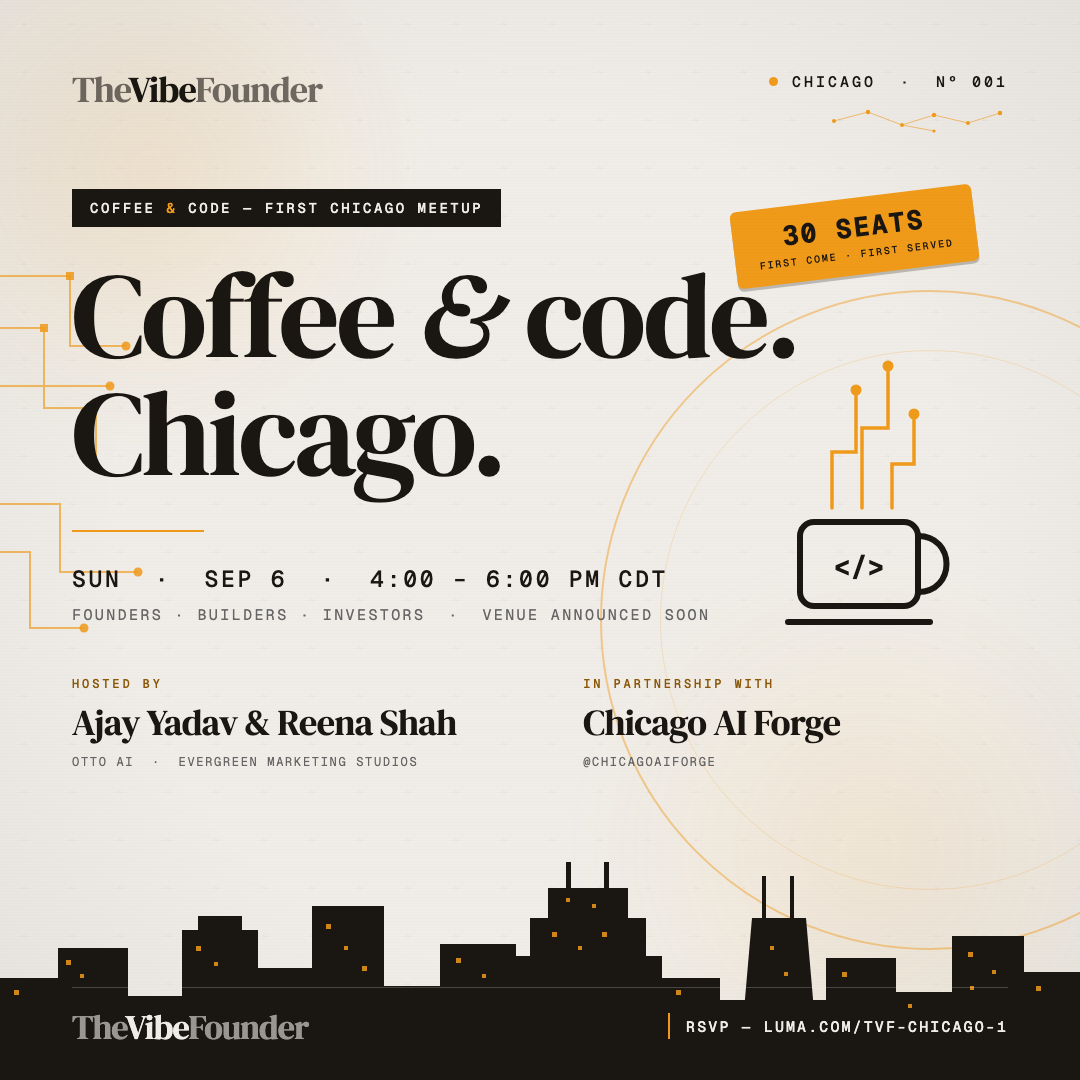
SUNDAY
01 / Explore
The resource shelf.
Explore after the chat
-
01 Start here
Make an Instagram post
Type a headline, edit the text, and download your finished image. Try the post maker right in your browser.
No coding · No installation Try the post maker -
02 Explore
See how AI video is made
See what happened when AJ tried four AI video tools. Read the results and the instructions he gave each tool.
Read first · Tools needed to try it Explore the examples -
03 Go further
Claude Code cheat sheet
Already using Claude Code, the AI coding assistant? Keep these 17 shortcuts and tips beside your project.
For people already using Claude Code Open the guide -
04 Set up a tool
Meet your AI coding assistant
A step-by-step guide to Cline, a tool that helps you write and change code. Covers installation and connecting an AI service.
Optional · Setup required Read the setup guide
02 / Go a little deeper
From an idea
to a finished
post.
Four AI helpers from the Skool community: find a topic, write an opening line, create slides, and add a caption.
Optional downloads to try afterward. You’ll need Claude Code or Codex installed. Start with Research, then follow each resource’s setup guide in order.
Free for Skool members
Downloads require the email you joined the community with.
Browse the Skool library-
01 Research
Content Research Agent
Find useful information about your topic and keep the source links. This first helper also sets up the folder the others use.
View resource -
02 Hooks
Hook Writer Agent
Write an opening line that makes people want to keep reading. Get a few options and an explanation of the best one.
View resource -
03 Carousels
Carousel Maker Agent
Turn your research and opening line into a swipe-through Instagram post, with text and finished images for each slide.
View resource -
04 Captions
Caption Writer Agent
Write the text that goes underneath your finished Instagram post, so the caption matches the slides.
View resource
03 / The conversation
Good people.
Better questions.
Join AJ and Reena for a fireside chat about building and distributing in the AI era: what’s working, what we’re learning, and how to get people to care about what you create.
Bring your questions and your curiosity. Share what you’re thinking about and meet other founders, creators, and AI people in Chicago. You don’t need to be technical.
Sunday, September 6 · 4–6 PM CT
TechNexus Venture Collaborative20 N Wacker Dr, 12th Floor
Chicago, IL 60606
Hosted by AJ · TheVibeFounder
Co-hosted by Reena Shah
In partnership with AI Forge Chicago